
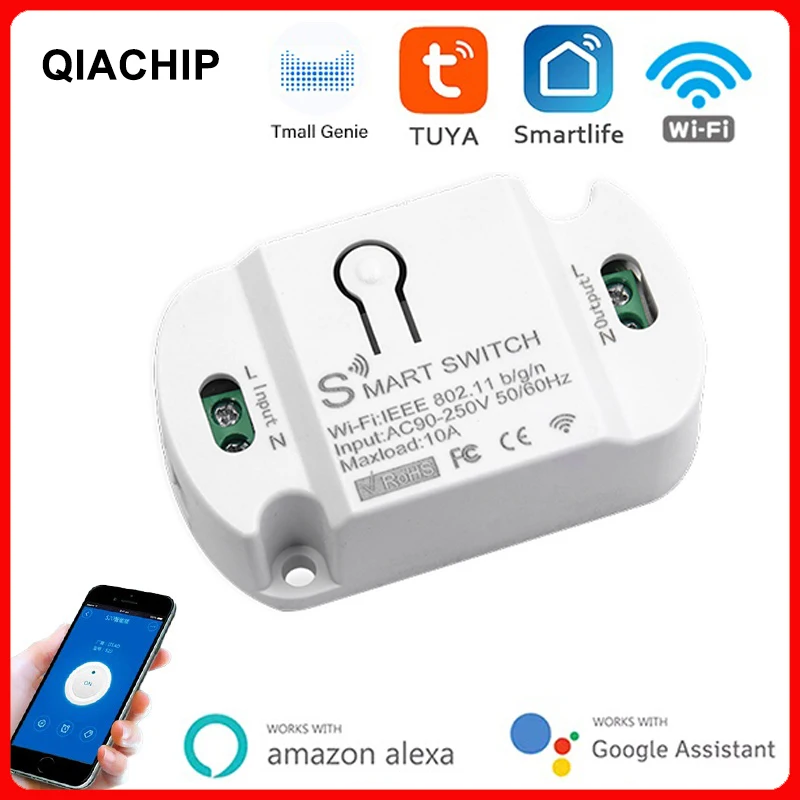
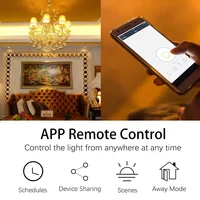
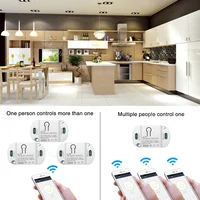



Tuya WiFi Smart Switch AC 220V 110V Wireless Controller Universal Breaker Timer Smart Life Work with LED Light Switch Alexa
Price range: $11.12 through $12.38
Note:
This Product only have WIFI Function.
Product Description:
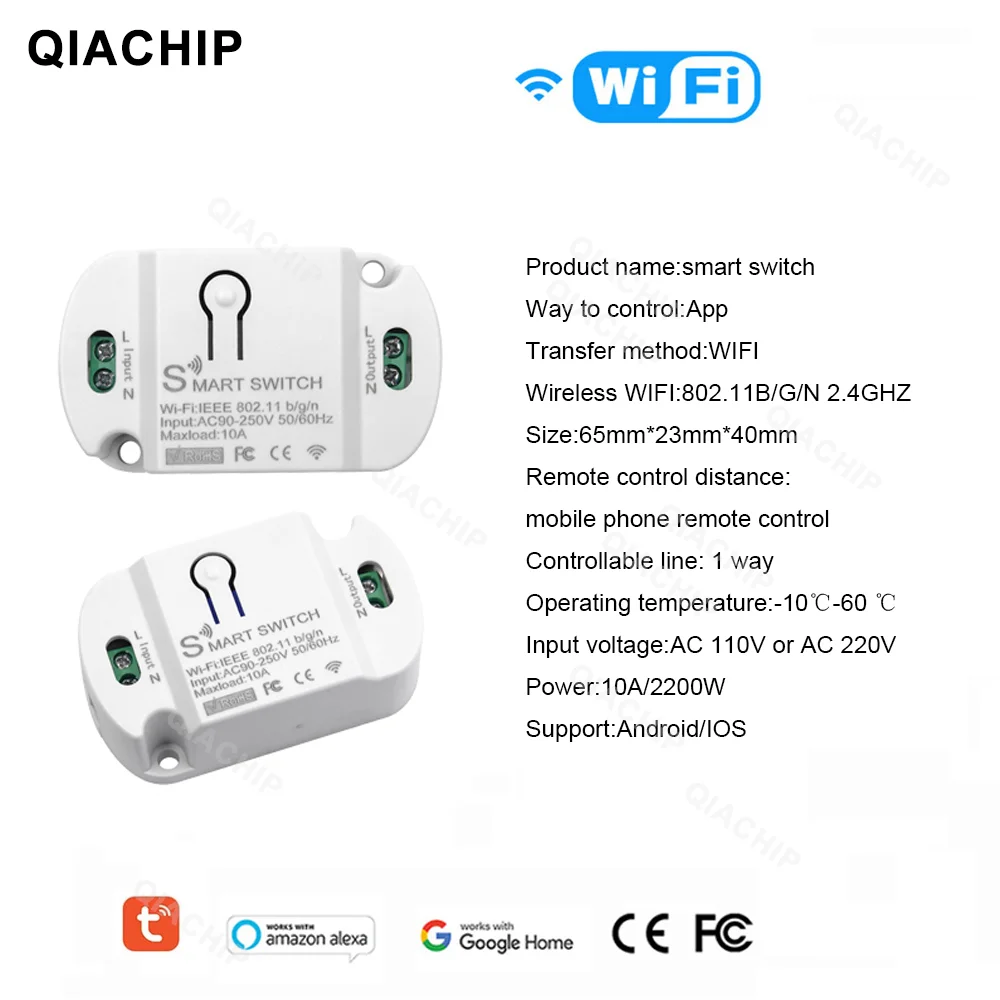
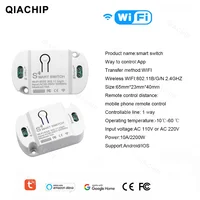
Product Name:smart switch
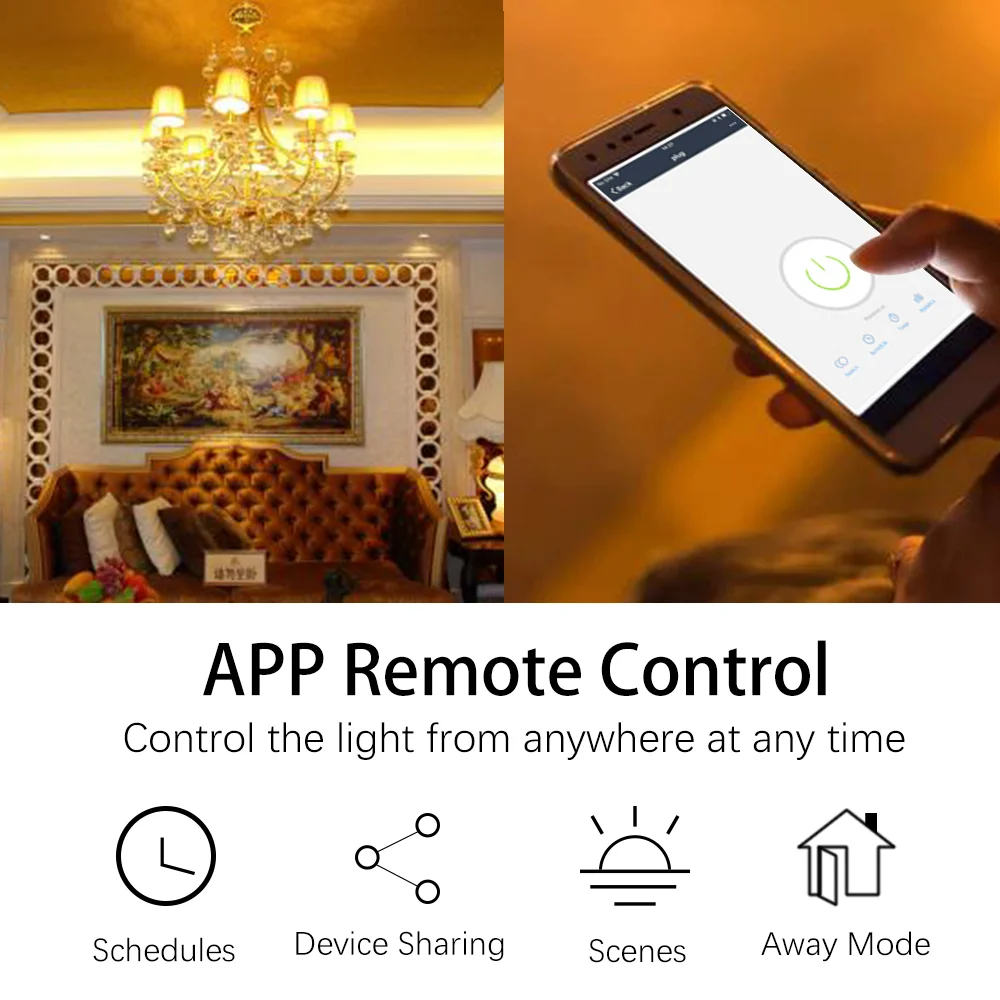
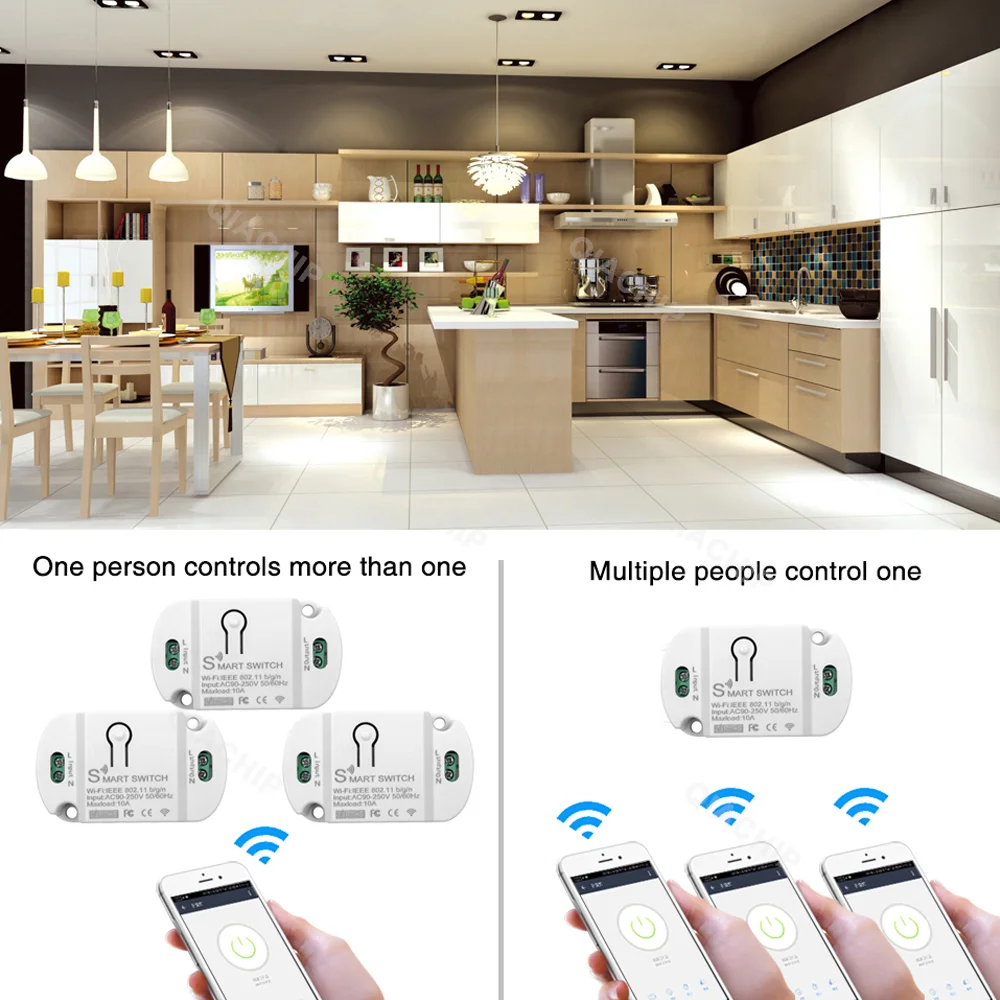
Way to control: App
Support: Android/IOS
Transfer method: WIFI
Wireless WIFI: 802.11B/G/N 2.4GHZ
size:65mm*23mm*40mm
Remote control distance:
mobile phone remote control
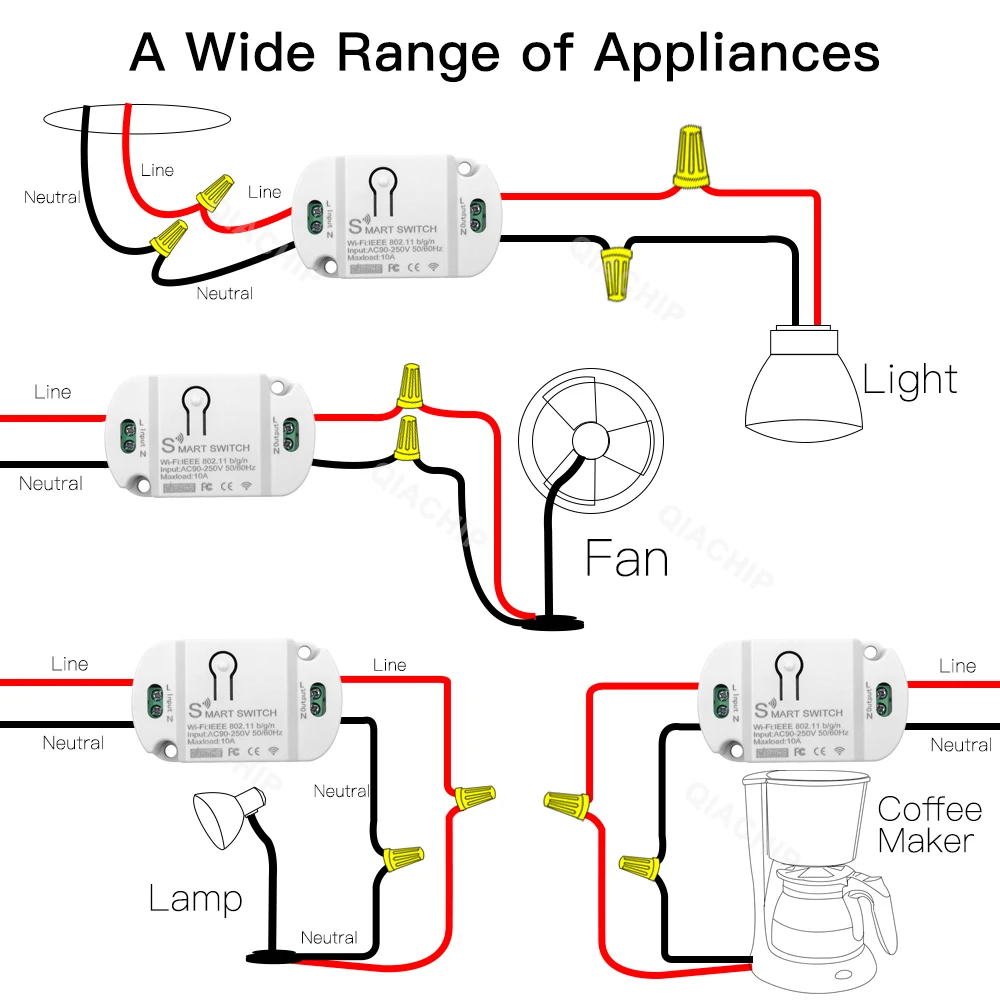
Controllable line: 1 way
Operating temperature: 0℃-40 ℃
Input Voltage: AC 90V-250V 50/60Hz
Max Current: 10A / 16A
Max Load Power: Resistive load: 2200W (AC220V)
Max Load Power: Incandescent lamp: 2200W (AC220V)
Max Load Power: Inductive load: 500W (AC220V)
Max Load Power: Capacitive load: 200W (AC220V)
Max Load Power: Energy saving lamp: 300W (AC220V)


How to connect the device to Wi-Fi
First of all :
How to connect the device to Wi-Fi ?
1. Power on the smart switch and make sure that the phone is connected to the Wi-Fi network in the 2.4GHz frequency band;
turn on the phone’s Bluetooth.
2. Make sure that the device, mobile phone, and router are close to each other.
3. Download and open the App:
Search for “Smart Life” in the App Store or scan the QR code below to download and install the App;For the first download and use, please click the “Create New
Account” button to register;
If you already have an account, click the “Log in with an existing account” button.
4. Reset the smart switch: Press and hold the button on the smart switch for more than 6 seconds until the LED indicator on it flashes
quickly.
5. Open the “Smart Life” APP, click the “+” in the upper right corner
to enter the device addition page, and then select “Auto Scan” (please turn on the Bluetooth function of the phone before performing this operation) to start searching for nearby devices to be added. After discovering the device to be added , The icon and name of the device will appear on the APP page or a prompt page
will pop up, then please follow the APP prompts to add the device
After the smart switch is successfully connected to Wi-Fi, you can see the newly added device on the home page of the Smart Life

How to connect to third-party applications such as Alexa and Google Assistant?
When using a third-party smart speaker to connect,
you first need to download the third-party APP and register an account, such as Amazon Alexa;
then add the device in the “Smart Life APP”, open the device control page, click the upper right corner (see the picture below),
and then Jump to the device information page,
where you can change the name of the device, and you can see the details of the third-party controlled APP supported by the device, select the APP you need to connect, such as Alexa, click the icon to enter the binding interface, and then press The page prompts the operation.


| Weight | 10 lbs |
|---|---|
| Dimensions | 10 in |
| Brand Name |
QIACHIP |
| Compatibility |
All Compatible |
| Model Number |
KR2201WB |
| State of Assembly |
Ready-to-Go |
| Hign-concerned Chemical |
None |
| Communication method |
Wi-Fi |
| Origin |
Mainland China |
| Certification |
RoHS |
| Choice |
yes |
| semi_Choice |
yes |
Related products

3.1A USB Korean Fast Charger Australian Quick Charge Phone Charger KR/AU Plug Adapter 4 Ports NewZealand USB Wall Charger
In stock

33W USB Charger Fast Charging 6A USB Type C Cable Mobile Phone Adapter For iPhone Xiaomi 14 Redmi 13 12 11 Samsung Quick Charger
In stock

40W Dual USB C Charger Fast Charging QC3.0 PD Type C Fast Charger Adapter For iPhone Xiaomi Samsung Huawei Phone 10A USB C Cable
In stock

66W Super Fast Charger Fast Wall Adapter For Honor Magic V3 VS3 V2 VS2 6 5 Pro 6A USB Type C Cable For Honor 60 70 80 90 Pro SE
In stock

Essager 320W GaN Charger 8Port USB Type C Desktop Charging Station PD 100W Fast Charging For iPhone 16 15 14 iPad MacBook Laptop
In stock

Top: Digital Camera Portable 16X Zoom Video Camcorder Photography Telephoto Camera For Students Beginner Professional
In stock

UGREEN 3A USB Type C Cable For Xiaomi Samsung Galaxy S24 Fast Charging USB Charging Data Cable 18W For iPhone 15 iPad Poco USB C
In stock

Xiaomi 200W Quick Charger USB Type-C Fast Charge Phone Charger Adapter USB PD EU Plug For iphone16 15 Huawei Samsung Xiaomi
In stock
Reviews
Clear filtersThere are no reviews yet.